
A practical, zero‑upfront‑cost guide on Using AI to upgrade your phone.
If you want to get into online marketing — selling on eBay, flipping items, testing ideas — you do not need a brand‑new phone.
You might already have the perfect device sitting in a drawer:
- A solid Android 8/9 phone
- Great camera
- Good screen
- Fast enough processor
- But… the eBay app won’t install anymore
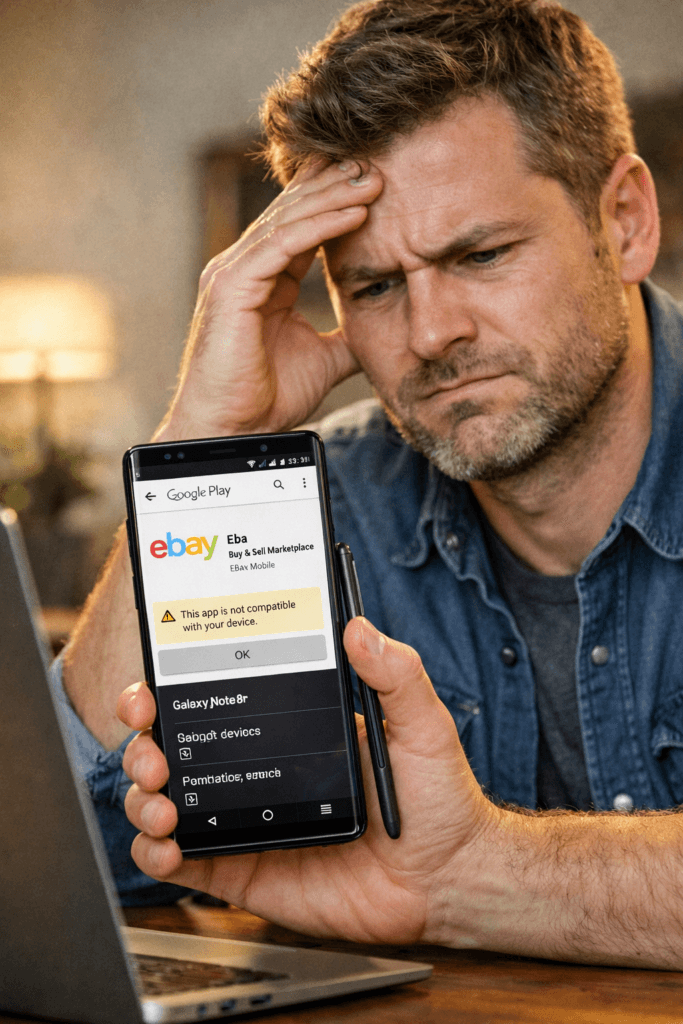
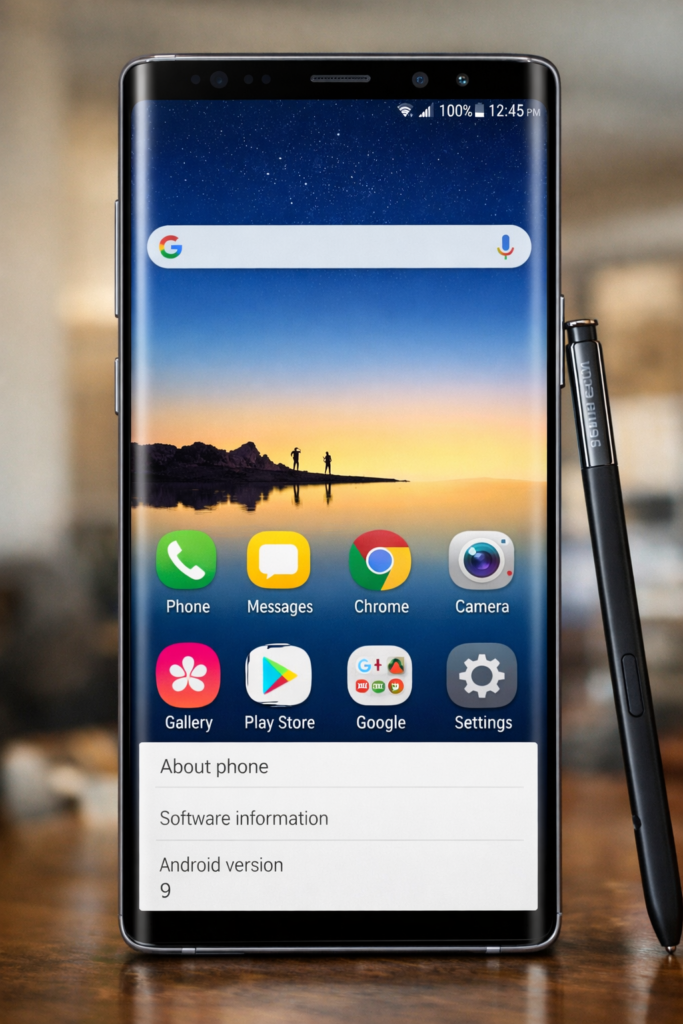
This happened to me. I loved my old Galaxy Note 8. It was a great phone, fast, did everything I needed, good camera, perfect for eBay listings. But, last year, the eBay app stopped working. This was because my phone was Android 9, and modern apps raise their minimum Android version.
Your hardware is fine — but the software is outdated. Therefore, my treasured old phone was put in a draw, and I upgraded to a modern Android 13 budget phone, a ZTE Blade V70 Vita, which does the job, but is nowhere as good as the Note 8.
So this got me thinking, there must be a way to get my Note 8 working again. I had a chat with CoPilot, and there is a solution.
The solution?
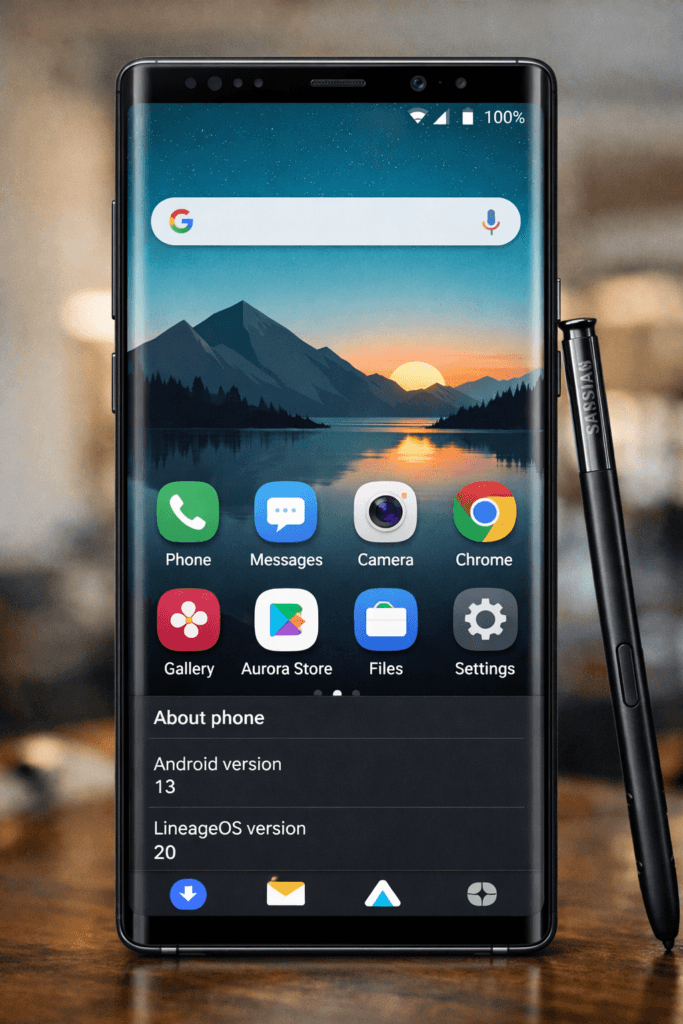
Install a modern Android version (Android 13) on the same hardware. But how?
This guide is based on a real success story: I revived my Galaxy Note 8 from Android 9 → Android 13, making eBay run perfectly again using Copilot to walk me through the process.
And yes — this is exactly the kind of low‑cost, high‑value strategy The Hub is built on. Why invest in new hardware if, whtat you already have can do the job.
Why revive instead of replace?
A phone like the Note 8 is still excellent for online marketing:
- Great camera for product photos
- Large screen for editing listings
- Fast enough for eBay, PayPal, WhatsApp
- S‑Pen (on Note devices) for precision
- No upfront cost — you already own it
- Once updated, it runs all modern apps
Instead of spending £200–£600 on a new phone, you spend nothing and gain a fully capable marketing tool.
Why the eBay app stops working
Apps like eBay eventually:
- require newer Android versions
- stop supporting older versions
- disappear from Play Store search
- refuse to install
My phone wasn’t broken — it’s just stuck on Android 9.
Updating the OS fixes everything.
Important: You WILL need a PC or Mac
This is the part most guides forget.
To revive an older phone, you need:
✔ A Windows PC or a Mac
✔ A USB cable
✔ Internet access
✔ Enough storage to download files (1–3 GB total)
You cannot do this directly on the phone.
You will:
- download the ROM (LineageOS)
- download Google Apps (GApps)
- download the recovery tool (TWRP)
- connect the phone to the computer
- send files to the phone
- run commands or use flashing software
This is the non‑obvious but essential part of the process.
How to connect your phone to the PC/Mac
Samsung / Note 8 example (Windows PC)
You will use:
ODIN (Samsung flashing tool)
A USB cable
The phone in Download Mode
To enter Download Mode:
- Power off the phone
- Hold Volume Down + Bixby + Power
- Press Volume Up to continue
Then connect the phone to the PC via USB.
Mac users
Mac cannot run ODIN directly.
You will use:
- Heimdall (Mac‑compatible flashing tool)
- Same USB cable
- Same Download Mode on the phone
Once connected, the Mac will detect the device and allow flashing.
Full Step‑by‑Step Guide
(This is the exact process used successfully on the Note 8)
1. Check your phone model and LineageOS support
Find your exact model number:
- Settings → About Phone → Model Number
- Example: SM‑N950F (Note 8 international)
Check LineageOS support: (AI can do this for you)
- Official LineageOS website
- Or XDA Developers forum
If your phone is popular, it’s almost always supported.
2. Back up everything
Flashing wipes the phone.
Back up:
- photos
- contacts
- messages
- files
- anything important
Use Google Drive, a PC, or an SD card.
3. Unlock the bootloader
You must unlock the bootloader before installing a custom OS.
Steps:
- Enable Developer Options (tap Build Number 7 times)
- Enable OEM Unlocking
- Enable USB Debugging
- Use ODIN (Windows) or Heimdall (Mac) to unlock
This wipes the phone.
4. Install a custom recovery (TWRP)
TWRP lets you:
- wipe the old system
- install LineageOS
- install GApps
- make backups
Steps:
- Download TWRP for your exact model
- Flash it using ODIN (Windows) or Heimdall (Mac)
- Boot into recovery (Volume Up + Bixby + Power)
Now you’re ready to install Android 13.
5. Flash LineageOS 20 (Android 13)
Download:
- LineageOS 20 zip
- Copy it to the phone (via USB or SD card)
In TWRP:
- Wipe → Advanced Wipe → System, Data, Cache
- Flash the LineageOS zip
Do not reboot yet
6. Flash Google Apps (GApps)
To use Play Store, eBay, PayPal, etc., you need GApps.
Download:
- NikGApps or MindTheGapps (Android 13 version)
Flash it immediately after LineageOS.
Now reboot.
7. First boot and Google setup
Android 13 will take a few minutes to start.
Then:
- connect to Wi‑Fi
- sign into Google
- let Play Store update
- let device certification rebuild
Within a short time, the phone is recognised as Android 13.
8. Install eBay and your marketing apps
Once Play Store syncs:
- eBay appears normally
- PayPal works
- WhatsApp works
- Banking apps work
- Photo apps work
- Everything behaves like a modern phone
If eBay doesn’t appear immediately, you can temporarily install it via APK to test — once Play Store finishes syncing, the official listing appears.
9. Test your revived phone
Check:
- camera quality
- Wi‑Fi stability
- battery life
- app performance
- notifications
- S‑Pen (if applicable)
If everything feels smooth, your “old” phone is now a fully modern Android 13 device.
Why this is perfect for The Hub member
Reviving an older phone:
- saves money
- reduces waste
- gives you a dedicated marketing device
- lets you start selling immediately
- avoids expensive upgrades
- keeps your main phone free for personal use
- teaches you valuable tech skills
- gives you confidence to experiment
A revived Note 8 (or similar Android 9 device) is more than enough for:
- listing items
- taking product photos
- messaging buyers
- managing sales
- researching prices
- running your online business
You don’t need a new phone.
You just need a modern OS on good hardware.
Final Thought
If you have an older Android phone that “won’t run eBay anymore”, don’t throw it away.
With:
- a PC or Mac
- a USB cable
- LineageOS
- GApps
- a bit of patience
you can turn it into a powerful, modern, zero‑cost marketing tool.
This is exactly what The Hub is about:
starting smart, spending less, and building more.
Disclaimer.
This worked for me, however, The Hub takes no responsibility if anything goes wrong!
Only attempt this is you have nothing to lose. My Note 8 was useless, it is now my main phone again, with the ZTE packed away as a spare. Hope this helps.
JSON Prompt.
Below is a JSON script to paste straight into AI to give you this step by step process.