
Without Losing Your Voice
Let’s be honest—updating old PLR takes time. You’ve got to strip out the hype, rewrite the tone, swap examples, and clean up the formatting. It’s worth it, but it’s slow. That’s where AI comes in. It’s not to replace you, but to help you move faster. Simply think of it like a smart assistant: it doesn’t make decisions, but it follows instructions beautifully. This is exactly why we built the Hub Idea Maker. It gives the AI a clear map before you start editing, so every rewrite stays aligned with your voice, your audience, and your goals.
Let’s walk through how it fits into the process.
Why AI needs direction before it starts rewriting
AI is brilliant at cleaning up messy PLR, but it’s not a mind reader. If you don’t tell it where the content is heading, it will make assumptions — and those assumptions rarely match your style.
When you give the AI a structured brief, everything changes. It understands:
- who the content is for
- what the tone should be
- what the ebook is trying to achieve
- how the chapters fit together
- what should stay and what should go
That’s the foundation of a clean, modern rewrite.
The Hub Idea Maker gives the AI a roadmap
Instead of trying to explain all of this in a long paragraph, the Hub Idea Maker turns your thoughts into a simple JSON outline. You just fill in a few fields — the audience, the purpose, the tone, the structure — and the tool generates a clear, organised brief the AI can follow.
It’s like handing the AI a blueprint before asking it to renovate a house. Suddenly everything becomes easier, faster, and more consistent.

Start with the The Hub Idea Maker JSON brief, then work section by section
Once you’ve created your JSON outline, you don’t need to feed the AI the entire ebook. In fact, you shouldn’t. Large dumps of text overwhelm the model and flatten your voice.
A better approach is to work in small, manageable pieces. Take one section at a time, paste it in alongside your JSON brief, and ask the AI to modernise it while staying aligned with the structure you’ve defined.
This keeps you in control, and it keeps the AI focused.
Use the AI as an assistant, not an author
When you’re updating PLR, the AI’s job is to support your decisions, not replace them. You decide what stays, what gets rewritten, and what needs updating. The AI simply helps you express it more clearly and more modernly.
You can ask it to:
- remove hype
- update examples to 2026
- simplify long paragraphs
- improve clarity
- suggest modern tools
- highlight outdated references
But the direction always comes from you — and from the JSON brief you created at the start.
Let the AI help with visuals too
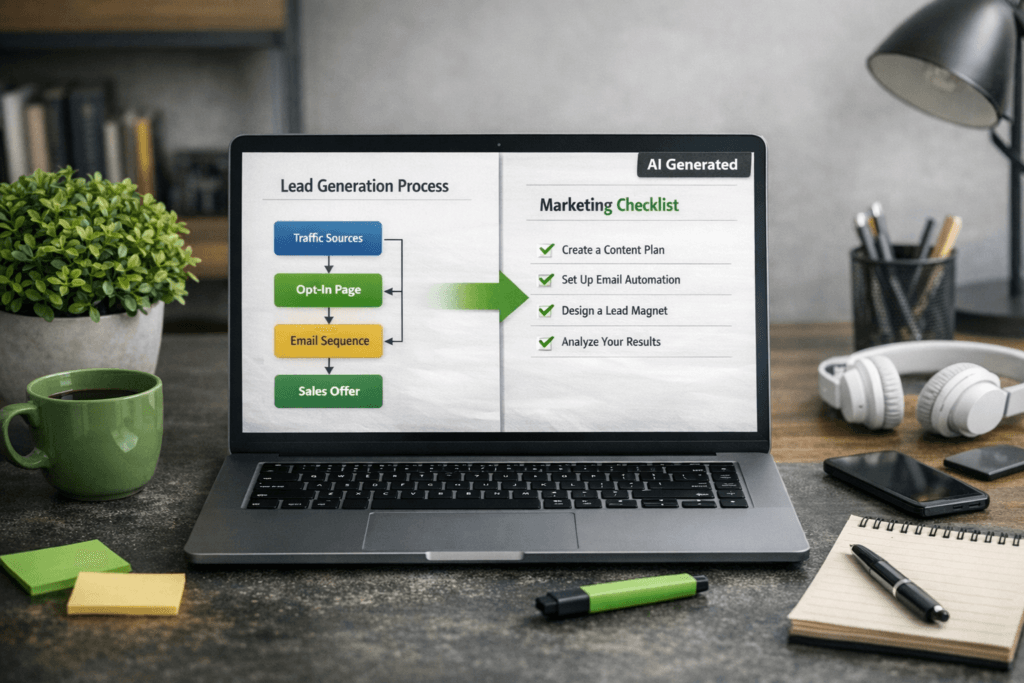
One of the easiest ways to make old PLR feel brand new is to add fresh visuals. Once you’ve modernised the text, you can ask the AI to create:
- a flowchart
- a checklist
- a process diagram
- a before-and-after comparison
These visuals instantly lift the perceived value of the product and make the content easier to understand.
Keep your voice consistent throughout
Because the Hub Idea Maker defines your tone upfront, the AI has a reference point for every rewrite. If you want to go even further, you can paste in a short sample of your own writing and ask the AI to match it.
This keeps the entire ebook feeling like you, even if the original PLR was written by someone else years ago.
What you end up with
By combining your judgment with the structure from the Hub Idea Maker and the speed of AI, you get:
- a modernised ebook
- a consistent tone
- updated examples
- clean structure
- fresh visuals
- supporting assets
And you get it all without losing your voice or spending days rewriting everything manually.
This is the workflow that turns old PLR into something genuinely valuable — and something you can be proud to publish.
⭐ Hub Idea Maker: Your Starting Point for Modernising PLR
Before you start updating any PLR, run it through the Hub Idea Maker. This free to use tool takes the guesswork out of the process by turning your thoughts into a clear JSON brief the AI can follow. You simply fill in the audience, tone, purpose, and structure, and the tool generates a clean outline that keeps your rewrites consistent from start to finish. Plus, because it’s a web app, it can be saved to your mobile home screen for future use or just bookmark it.
This gives the AI a roadmap, and it gives you control.
You’ll find it here: