How to Set Up AIOSEO (Without Losing Your Mind)
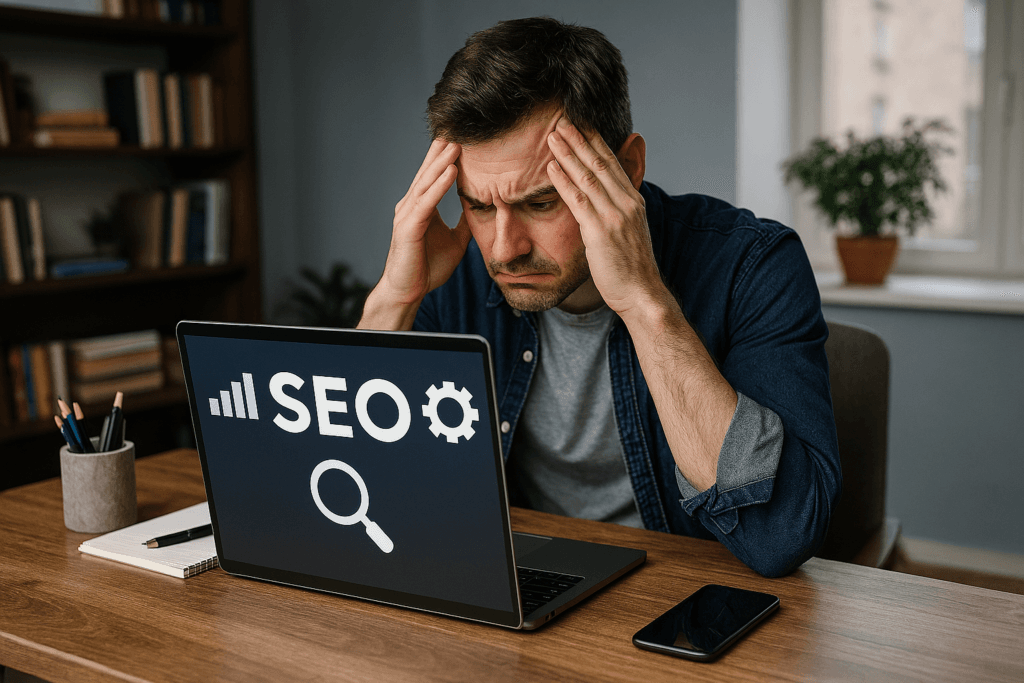
We’ve all been there with AIOSEO— staring at the screen, wondering why Google won’t play nice, and questioning whether SEO is some kind of cruel joke. At The Hub, we believe frustration is the first step toward clarity. This guide is for anyone who’s ever felt stuck, overwhelmed, or just plain baffled by AIOSEO settings. Let’s turn that confusion into confidence — one simple step at a time
AIOSEO Global Settings: Your SEO Identity
Start by heading to AIOSEO → Search Appearance → Global Settings. This is where you define how your site appears in search results.
Use a clean, accurate site title and keep your tagline short or skip it entirely. Choose a title separator that looks tidy in search results — we like the › symbol at The Hub. If your homepage is a static page, AIOSEO will use that title. If it’s a blog index, set a clear, human-friendly description that explains what your site offers.
Under Knowledge Graph, choose whether your site represents a person or an organization. Add your logo and any social profiles you want Google to recognise.
AIOSEO Content Types: Posts and Pages That Look Good in Google
AIOSEO lets you set default SEO templates so every new post starts off right. For posts, use a title format like “Post Title › Site Title” and set the meta description to use the post excerpt. Schema should be set to “Article” and make sure “Show in Search Results” is turned on.
For pages, use a similar format — “Page Title › Site Title” — and again use the excerpt for the meta description. Schema should be “Web Page” and visibility should be on.
Taxonomies: Categories Yes, Tags No
Categories help Google understand your site structure, so keep them visible in search results. Use a title format like “Category Name › Site Title” and include a short description.
Tag pages, on the other hand, often create thin content. It’s best to turn off their visibility in search results to avoid cluttering your index.
Media Settings: Clean Up Attachment Pages
AIOSEO gives you the option to redirect attachment pages to the actual image file. Turn this on. It prevents Google from indexing empty image-only pages that don’t help your SEO.
Social Networks: Make Your Shares Look Good
Go to AIOSEO → Social Networks and enable Open Graph. This controls how your content appears when shared on platforms like Facebook, WhatsApp, LinkedIn, and Messenger.
Enable X (Twitter) Cards and set the card type to “Summary with Large Image.” Choose a default social image — ideally your logo or a clean brand graphic — so your posts look good even if they don’t have a featured image.
Sitemaps: Already Synced with Google
AIOSEO automatically generates your sitemap and syncs it with Google Search Console. Make sure it’s enabled and includes posts, pages, and categories. Tags can be excluded. You can also choose to include images if you want Google to index them.
Redirects: Only When You Change URLs
If you delete a page, change a URL slug, or merge content, use the Redirects section to create a 301 Permanent redirect. This tells Google where the content has moved and preserves your SEO value. If you’re not changing URLs, you don’t need to touch this section.
AIOSEO Analysis: A Checklist, Not a Score
AIOSEO gives you a score out of 100, but this number isn’t used by Google. It’s just a checklist. Focus on fixing any critical issues like missing titles, broken canonical URLs, or missing meta descriptions. Recommended improvements are optional. Anything above 70 is perfectly healthy.
Features Manager: Mostly Upsells
This section shows features you could unlock by upgrading. You can safely ignore it unless you decide to move to a higher tier later. Your Basic plan already includes everything you need for a solid SEO foundation.
Final Thoughts from The Hub About AIOSEO
Setting up AIOSEO doesn’t need to be complicated. With the steps above, your site will have clean metadata, a healthy sitemap, attractive social previews, and proper indexing — all without touching the Pro features.
At The Hub, we believe frustration is the first step toward clarity. If you’ve ever felt stuck or overwhelmed by SEO, this guide is your way forward. Simple, practical, and done.