
If you sell on eBay — whether casually or as a side hustle — you already know the hardest part isn’t listing items or posting parcels. It’s the numbers. How to make eBay Accounting simple.

What did I actually make this month
How much did eBay take in fees
What did I spend on stock
What were my real postage costs
Am I even making a profit
How do I prepare for tax season without drowning in spreadsheets
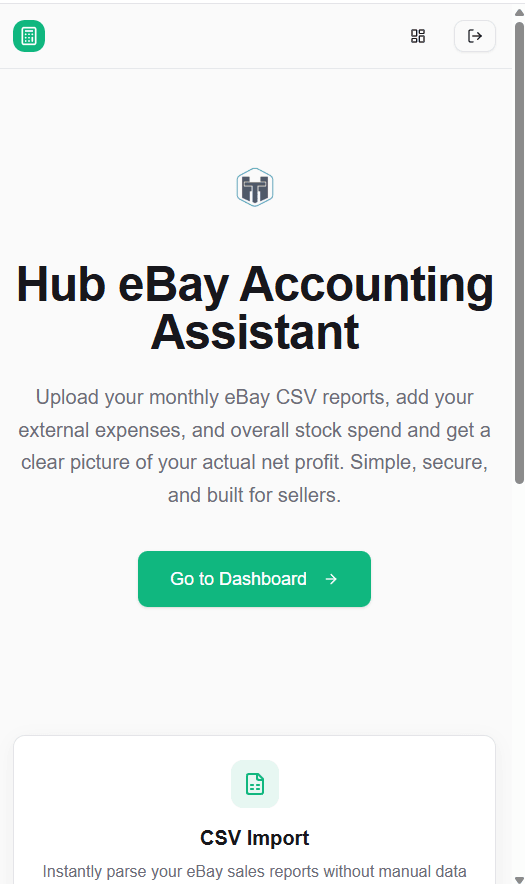
Today, I’m excited to announce a brand‑new free tool inside The Hub that solves all of this in one clean, simple workflow: I know that sounds a bit too Jazzy, but the truth is, I built this Web App for my own use, it works great, so why not share it.
⭐ Hub eBay Accounting Assistant (Free Version)
👉 https://ebayaccountscalc.affiliatemrrhub.com
This tool takes the messy, confusing parts of eBay selling and turns them into clear, accurate accounting figures you can actually use.
Why I Built This Tool
eBay sellers are constantly juggling:
- fees
- postage
- stock costs
- expenses
- refunds
- monthly totals
- tax‑ready figures
But eBay doesn’t give you a clean “here’s what you really earned” summary. And spreadsheets? They’re slow, fiddly, and easy to break.
The Hub eBay Accounting Assistant fixes that.
It gives you simple, accurate, ready‑to‑use accounting figures — without needing Excel, formulas, or guesswork.
What the Free Version Can Do
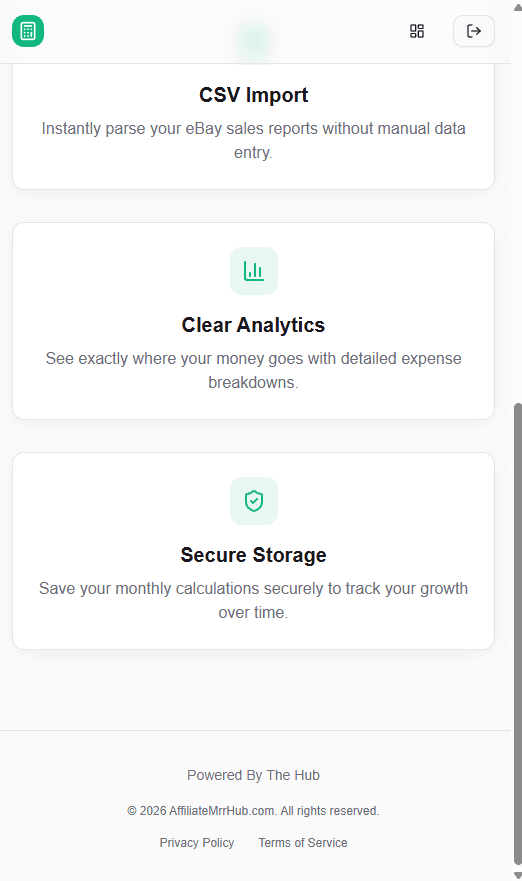
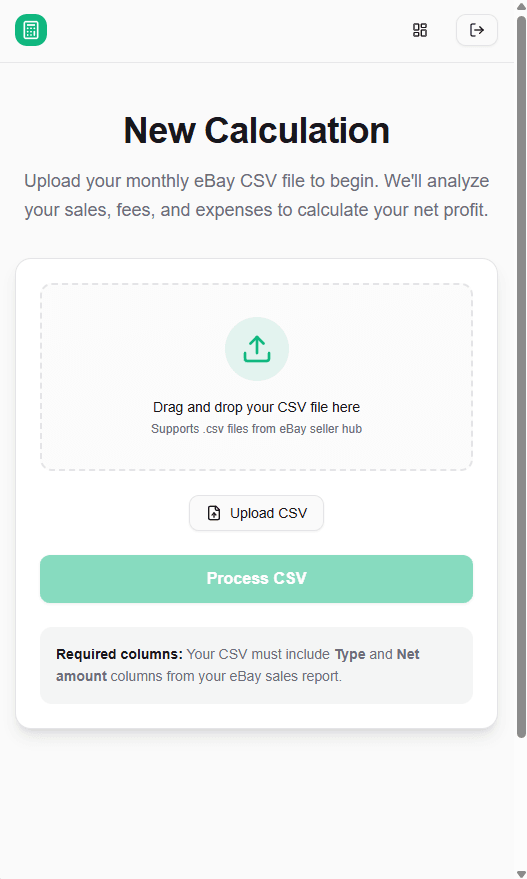
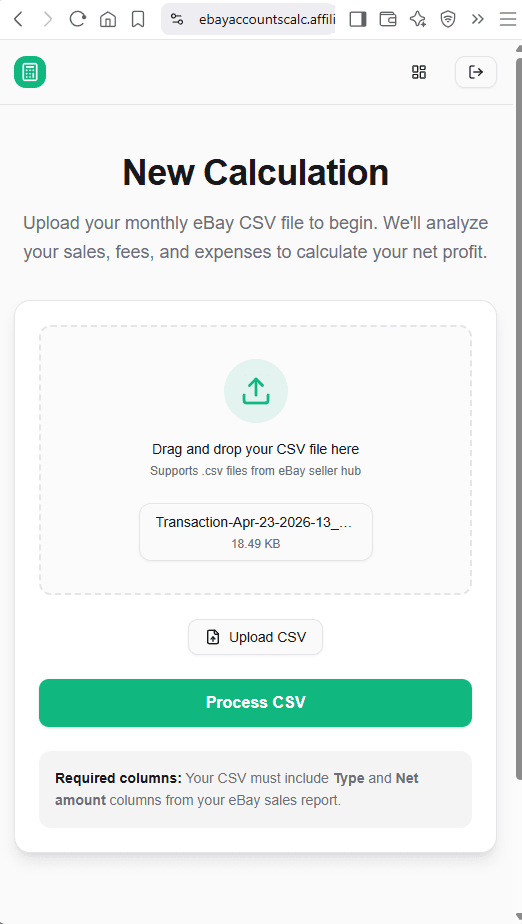
✔ Upload Your Monthly eBay CSV
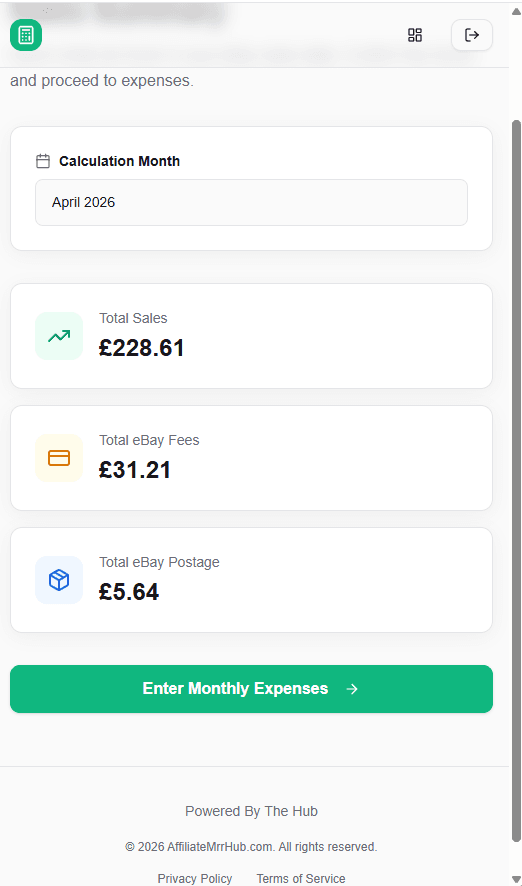
Just download your monthly CSV from eBay and upload it into the app. The tool instantly processes:
- sales
- fees
- postage labels
- refunds
No manual data entry required for the core eBay figures.
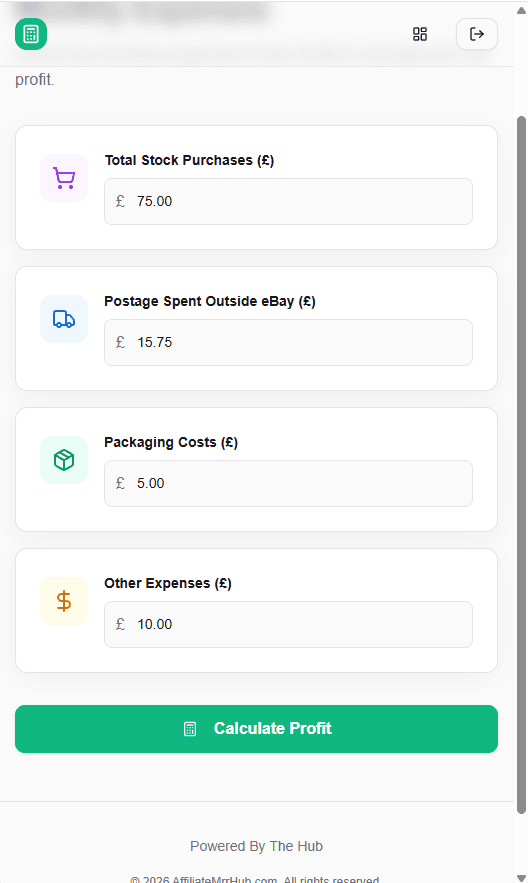
✔ Add Your Own Manual Inputs
Not everything appears in the eBay CSV — and that’s where the app becomes truly useful.
You can manually enter:
• Total Spend on eBay Stock
If you bought inventory during the month, simply enter the total amount you spent. This is essential for calculating real profit.
• External Expenses
Anything related to your eBay business that isn’t in the CSV:
- packaging
- tape
- labels
- storage boxes
- mileage
- subscriptions
- tools/equipment
Just enter the total for the month.
• Postage Costs (if not using Simple Delivery)
If you pay postage yourself — Royal Mail counter, Evri drop‑off, etc. — you can enter your actual postage spend for the month.
This gives you a true picture of your real costs.
✔ Automatic Monthly Totals
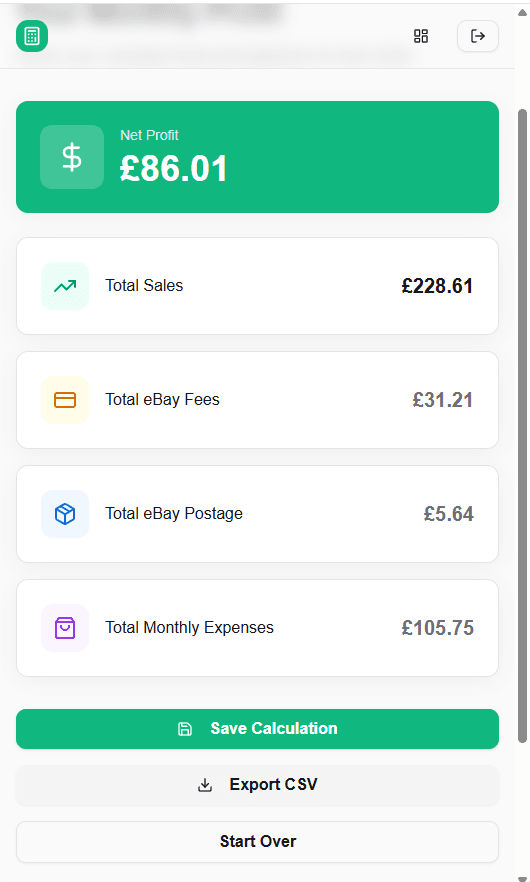
The app calculates:
- Total Sales
- Total eBay Fees
- Total Postage Costs
- Total External Expenses
- Total Stock Spend
- Total Refunds
- Net Profit
Everything is displayed clearly on one screen.
✔ Save Each Month to Your Account
Every month you upload is stored securely in your account, so you can:
- track your progress
- compare months
- stay organised
- avoid losing data
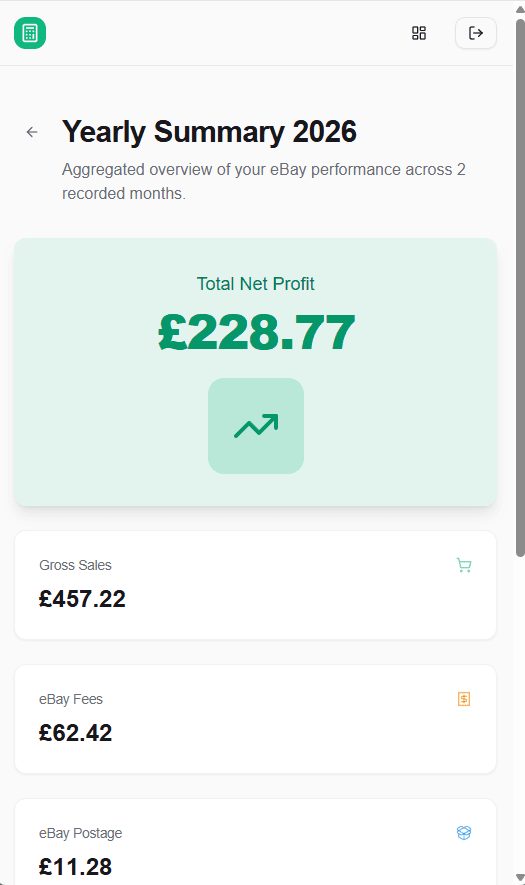
✔ NEW: Yearly Summary (Current Year Only)
This is the feature that turns the app into a proper accounting assistant.
The app automatically adds up all your saved months and gives you a clean, tax‑ready yearly summary, including:
- Total Revenue
- Total Fees
- Total Postage
- Total Stock Spend
- Total Expenses
- Total Refunds
- Total Net Profit
Perfect for self‑assessment or handing to your accountant.
How to Use the App (Step‑by‑Step)
1. Log in to your Hub account
Your data stays linked to your account so you can access it anytime.
2. Download your monthly CSV from eBay
Go to: Seller Hub → Payments → Reports → Monthly → Download CSV
3. Upload the CSV into the app
The tool reads everything automatically.
4. Add your manual inputs
Enter:
- total stock spend
- external expenses
- actual postage (if not using Simple Delivery)
These fields ensure your profit figure is accurate.
5. Review your monthly totals
You’ll instantly see your:
- sales
- fees
- postage
- expenses
- stock costs
- profit
6. Save the month to your account
This builds your year‑to‑date financial picture.
7. View your Yearly Summary
One click → tax‑ready totals for the current year.
Who This Tool Is For
This free version is perfect for:
- casual eBay sellers
- side hustlers
- declutterers
- part‑time resellers
- anyone who wants simple, accurate accounting figures
If you’ve ever looked at your eBay numbers and thought, “I have no idea what I actually made this month,” this tool is for you.
What’s Coming Next
This is just the beginning.
Over the next few weeks, I’ll be working on:
- a premium version with advanced features
- a downloadable app
- multi‑platform versions (Vinted, Depop, Etsy)
- more tools for sellers and creators
The Hub is growing into a full suite of practical, beginner‑friendly tools designed to make online selling easier, clearer, and more profitable. We will always try to produce a functioning free version, of all of our apps. We will also create a paid for premium version, which can be purchased by anyone, or free to Hub Club members.