How to Make Posting on TikTok Easier
Posting on TikTok, of any social media for the matter, is something that either comes very easily (rare) or is a steep learning curve. There is the struggle between faceless or face on, style, target audience, etc.etc.. Personally, I am long past the point in life where I care what anyone thinks. If you don’t like my weathered old face, scroll on. But, this is a big worry for many people.
Then, there is the the challenge of coming up with content, when to post, structure of the video, frequency of posting, the list goes on and on. So, yesterday, while waiting for Jen to complete her appointment (long story, not for here), I came up with the idea of an app. It will help anyone be more successful on TikTok. I started as a simple posting reminder app, what time of day, how many posts per day, just to ensure the user is being consistent every day. This is a big part of growing on social media, and the main reason I haven’t.
The Process of Creating The TikTok Growth App.
Last night I sat down with my new best friend and business expert, Copilot. We thrashed out exactly what prompts I needed to put into Hostinger Horizons to create a functional Web App. I prefer web apps to downloadable ones as it doesn’t clutter up your phone and it’s all that Horizons creates.
If you don’t know, Horizons is an amazing AI app creation tool that can be used by any Hostinger customer. So far, I’ve created an “eBay Fees” calculator. A “Food Barcode” scanner which reads the products barcode. It then lists the ingredients in big type, and warms of anything we are allergic too, like Garlic and Mustard. It also warns if Palm Oil is used, great for Cadburys Easter Eggs.
The App.
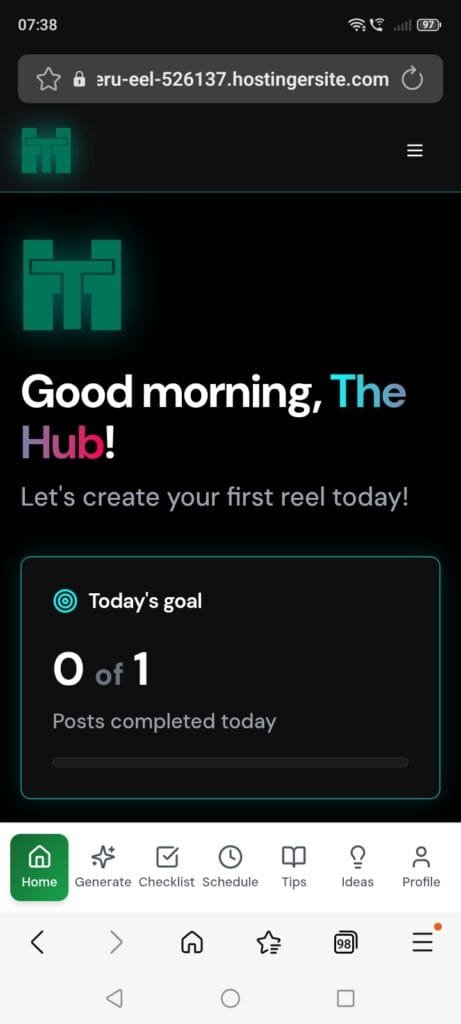
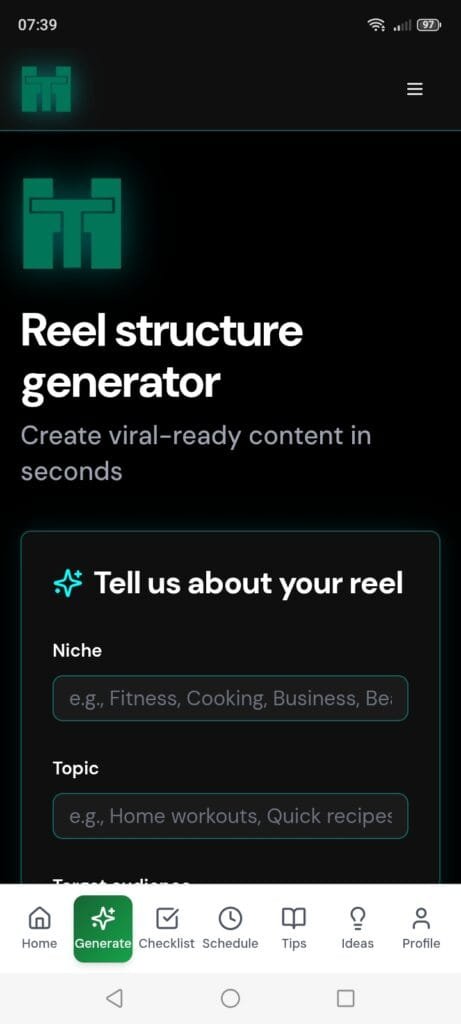
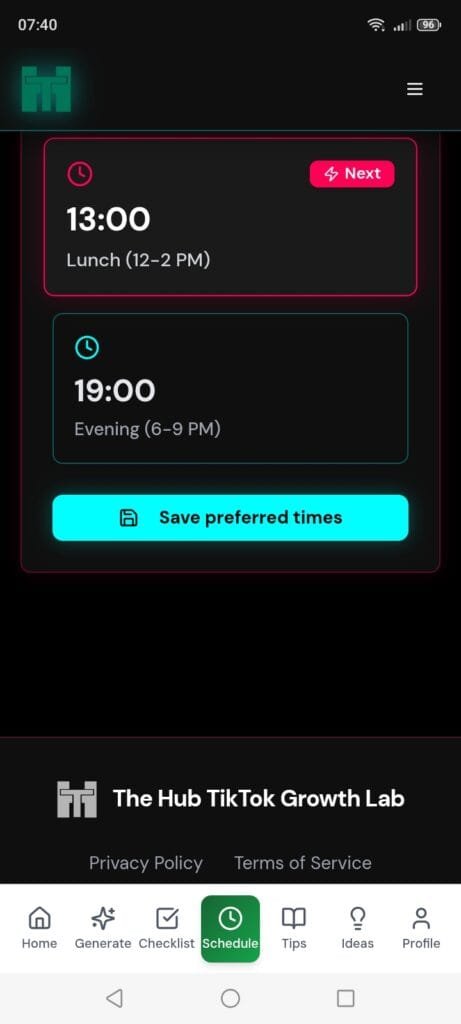
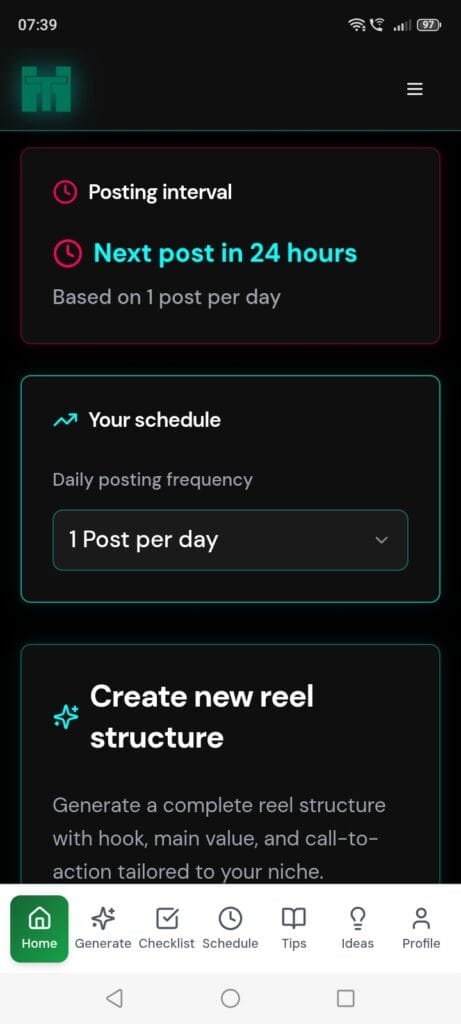
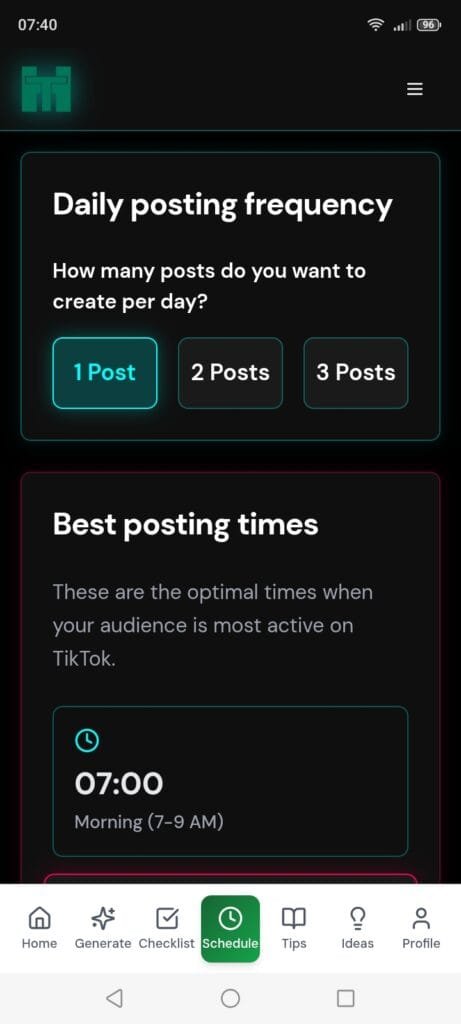
I won’t go into the actual creation of the app here, but it took about an hour. What we ended up with is a very useful posting reminder and planner app. It is designed for TikTok creators. Once you have created a free account, needed to store you details (not stored on our server), you come to the greetings screen of the dashboard. This keeps track of the daily posts and lets you set your posting preferences, either 1, 2, or 3 posts per day. It has a Reel Structure Generator, which asks you about your Niche, Topic and target audience. Then it generates a structure for your reel.
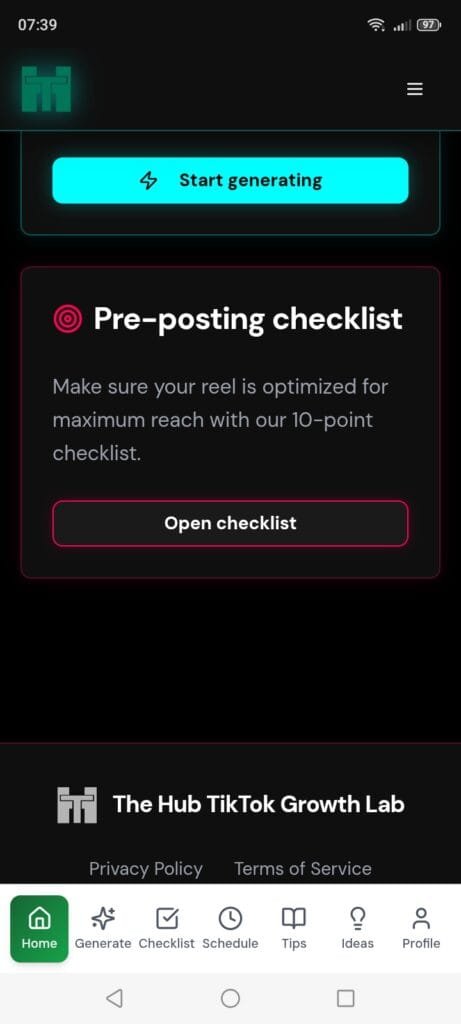
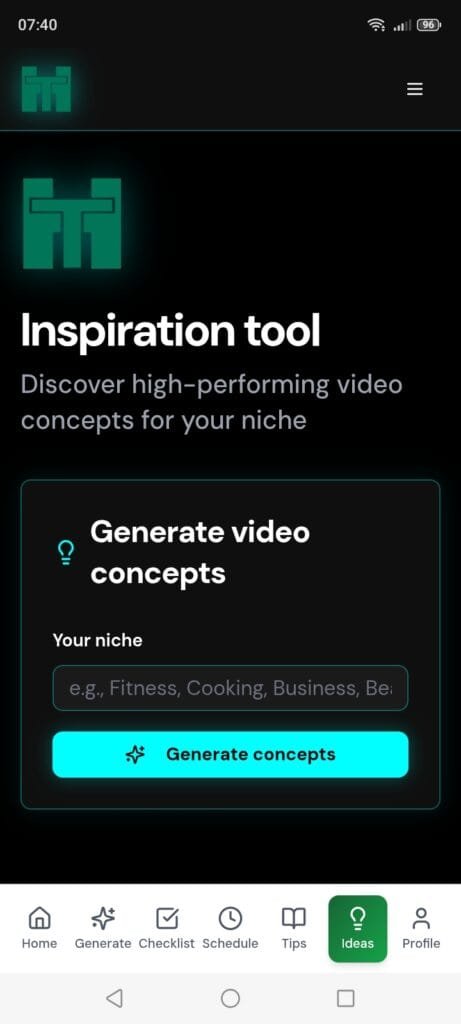
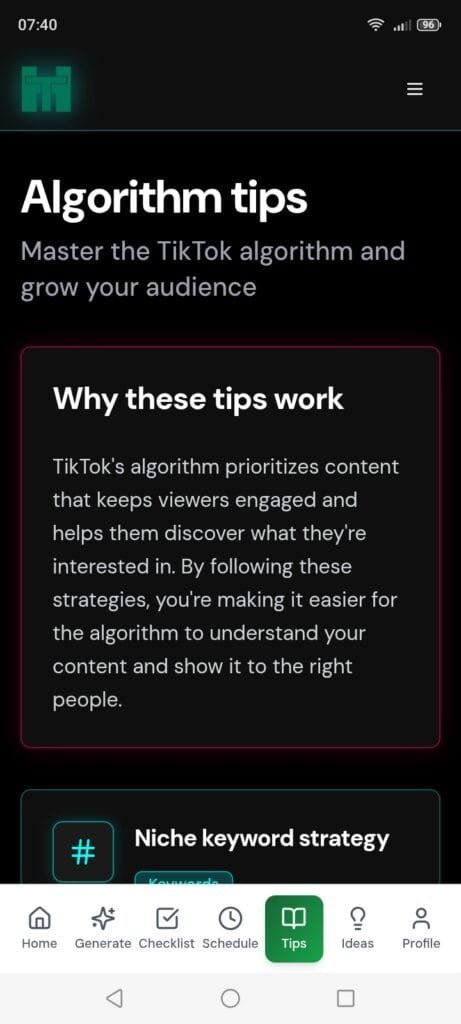
It also has a reel checklist to use before posting, a schedule page to set things up, a tips page to get the most out of the Algorithm. There is an ideas page, just select your Niche and it will generate three different ideas on what to post about. Below are some screen shots. It’s desktop, tablet and mobile friendly. Just save the page on your home screen.
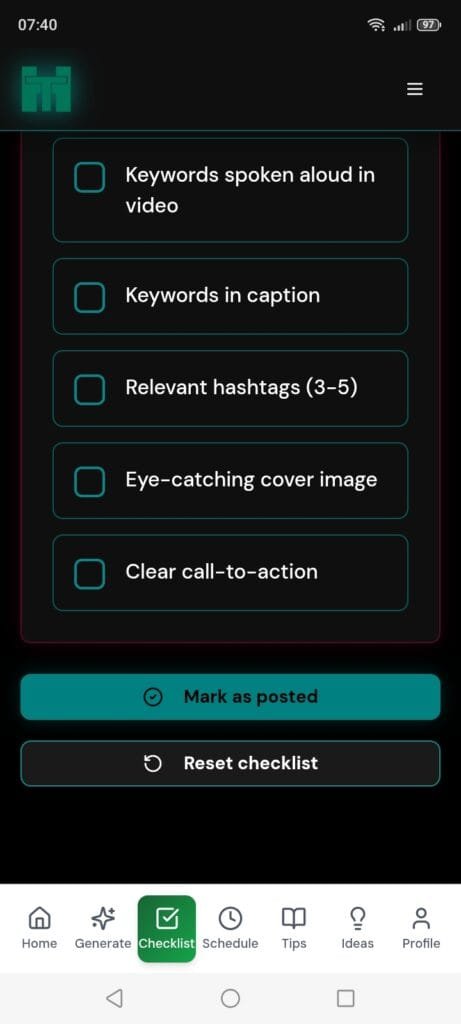
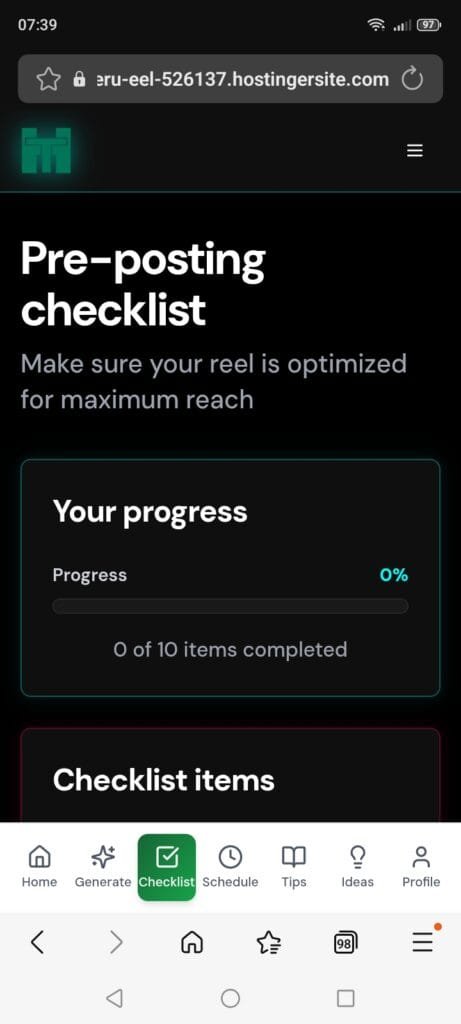
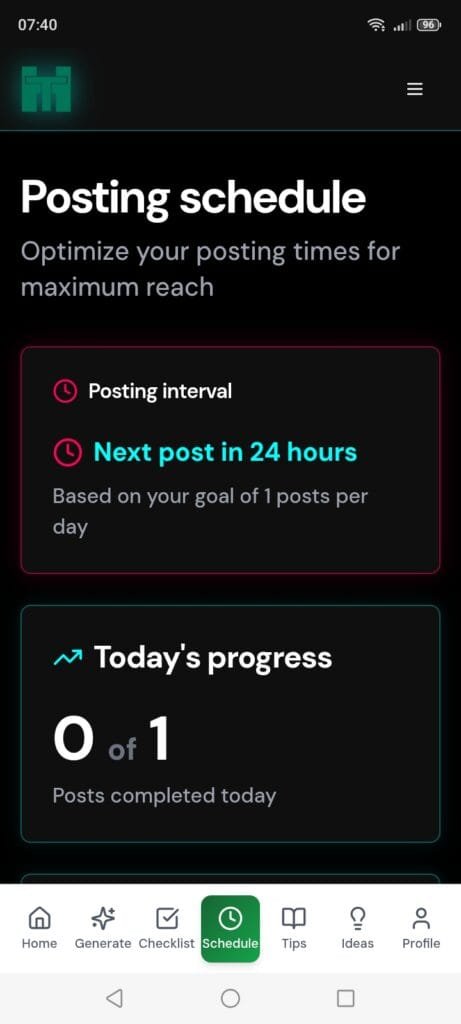
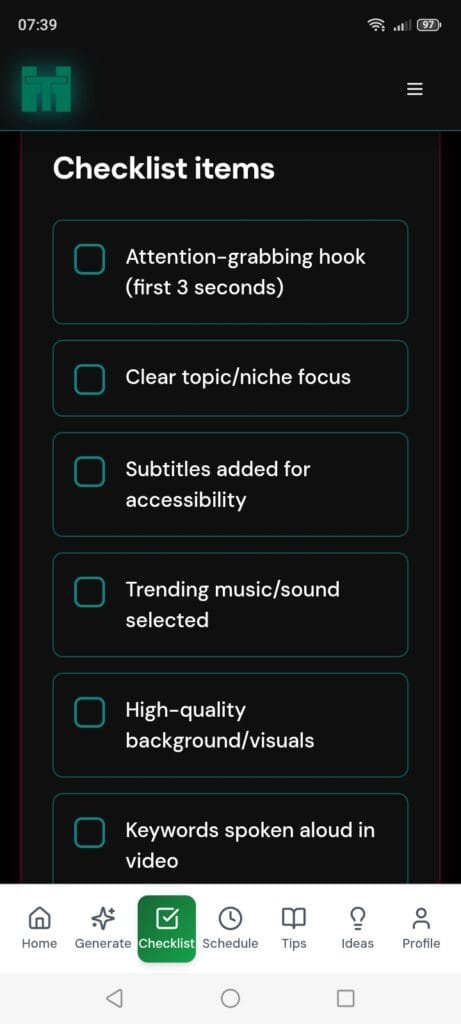
How to Find and Save the TikTok Growth App
This is the point where you would expect to find the call to action, you know the sort of thing, it will be $XXX’s, but wait, for a limited time you get it for $YYY’s. I know.
But, I’m not doing that. I had so much genuine fun creating this web app that I giving you access to use it for free while it’s in this beta stage.
Just click on the link below, and try it. I can’t promise it will remain free forever, it depends on our cost implications, but for now, try it, you may find it useful. Your welcome.